
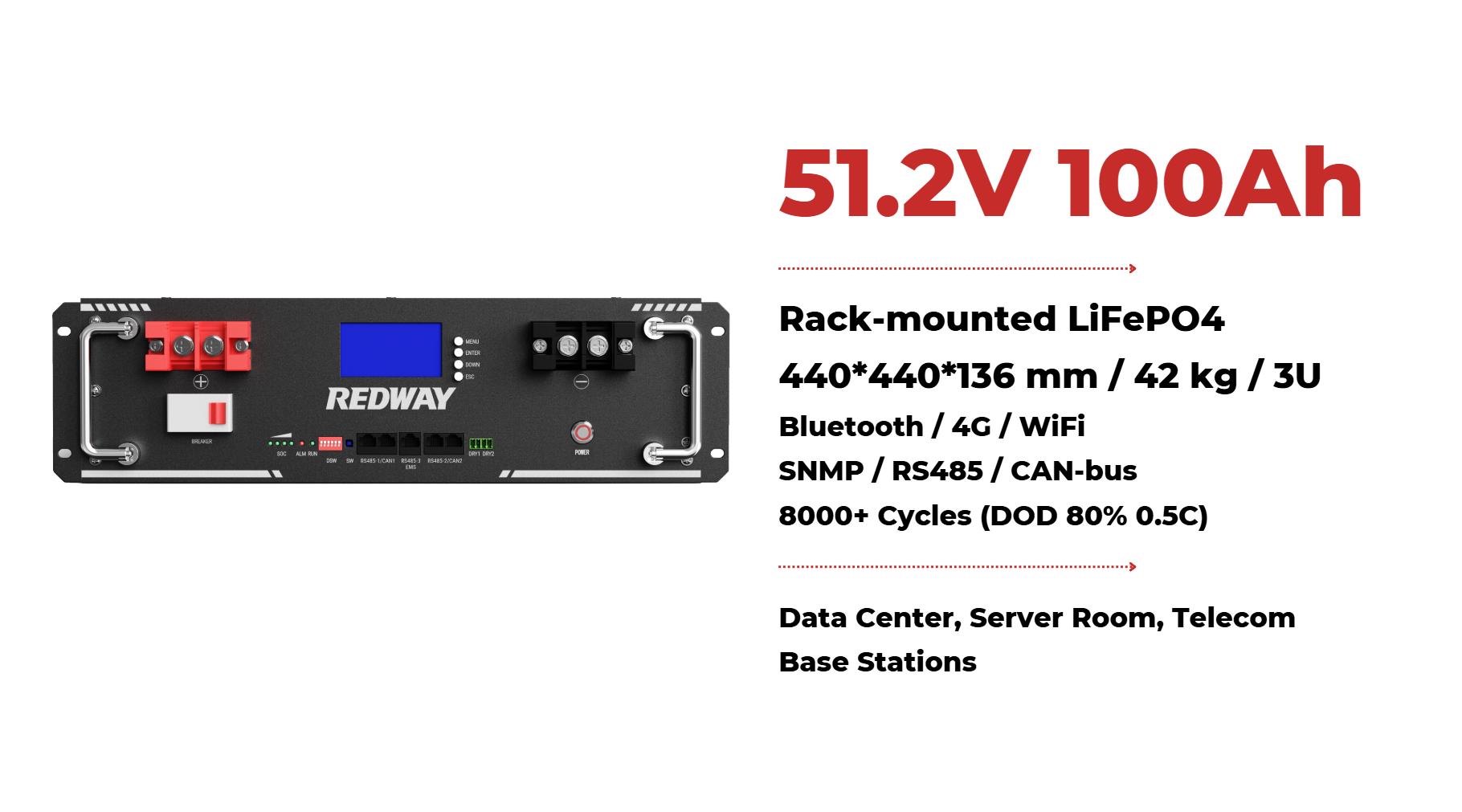
Rack-mounted lithium batteries, particularly lithium iron phosphate (LiFePO4) types, are renowned for their efficiency and longevity. However, like any technology, they can encounter issues that may affect performance. This guide provides a detailed overview of common problems and their solutions, helping you ensure that your battery system operates at peak efficiency.For troubleshooting rack-mounted lithium batteries, check connections for corrosion or looseness! Make sure your charger works properly and monitor temperature levels too! If issues persist, consult the manufacturer’s manual for specific error codes!1. Battery Not ChargingOne of the most frequent issues users encounter is batteries that do not charge properly.

- Check Connections: Ensure that all connections are secure and free from corrosion. Loose or corroded terminals can prevent charging.
- Inspect the Charger: Verify that the charger is functioning correctly. Test it with another battery if possible.
- Review BMS Settings: The Battery Management System (BMS) may have protective features that prevent charging if it detects issues. Check for any error codes or alerts on the BMS display.
- Temperature Effects: Ensure the battery is operating within its optimal temperature range (20°C to 25°C). Excessive heat or cold can impact performance.
- Battery Age: As batteries age, their capacity naturally diminishes. If the battery is nearing the end of its lifespan, consider replacing it.
- Cycle Count: Check the number of charge cycles the battery has undergone. Each cycle reduces the overall capacity, and excessive cycling can lead to premature failure.
- Voltage Mismatch: Measure individual cell voltages using a multimeter to identify any cells that may be underperforming or failing. A significant voltage difference between cells can indicate a problem.
- Faulty BMS: The BMS may malfunction, leading to incorrect voltage readings. Resetting or recalibrating the BMS can often resolve this issue.
- Connection Issues: Loose or damaged wiring can cause fluctuations in voltage readings. Inspect all connections for damage or wear.
- Check Ventilation: Ensure that the battery rack is well-ventilated. Inadequate airflow can lead to excessive heat buildup.
- Environmental Factors: Evaluate the ambient temperature around the battery system. If the environment is too hot, consider relocating the batteries or adding cooling solutions.
- Inspect the BMS: A malfunctioning BMS may fail to regulate temperature correctly. Ensure it is functioning as intended and consider upgrading if it lacks temperature management features.
- Monitor Cell Balancing: If certain cells are consistently underperforming, the BMS may not be effectively balancing the cells. Manual balancing techniques, such as discharging and recharging individual cells, may be necessary.
- Check BMS Settings: Ensure the BMS is configured for proper balancing. Some systems have settings that allow users to adjust balancing parameters.
- Immediate Charging: Charge the battery immediately to prevent deep discharge, which can damage the cells.
- Review Usage Patterns: Analyze your power consumption patterns. If you frequently reach low SOC, consider increasing battery capacity or reducing load.
- BMS Alerts: Check the BMS for alerts or settings that may restrict battery usage based on SOC. Adjust settings if necessary.
- Cell Inspection: Conduct a visual inspection of each cell/module for signs of damage, swelling, or leakage. Replace any faulty units immediately.
- Professional Testing: If issues persist, consider professional diagnostics to assess battery health comprehensively.
Continue exploring: Use the Data Center & UPS Rack Batteries guide for the related decision process, evidence, and practical guidance.